Marketing
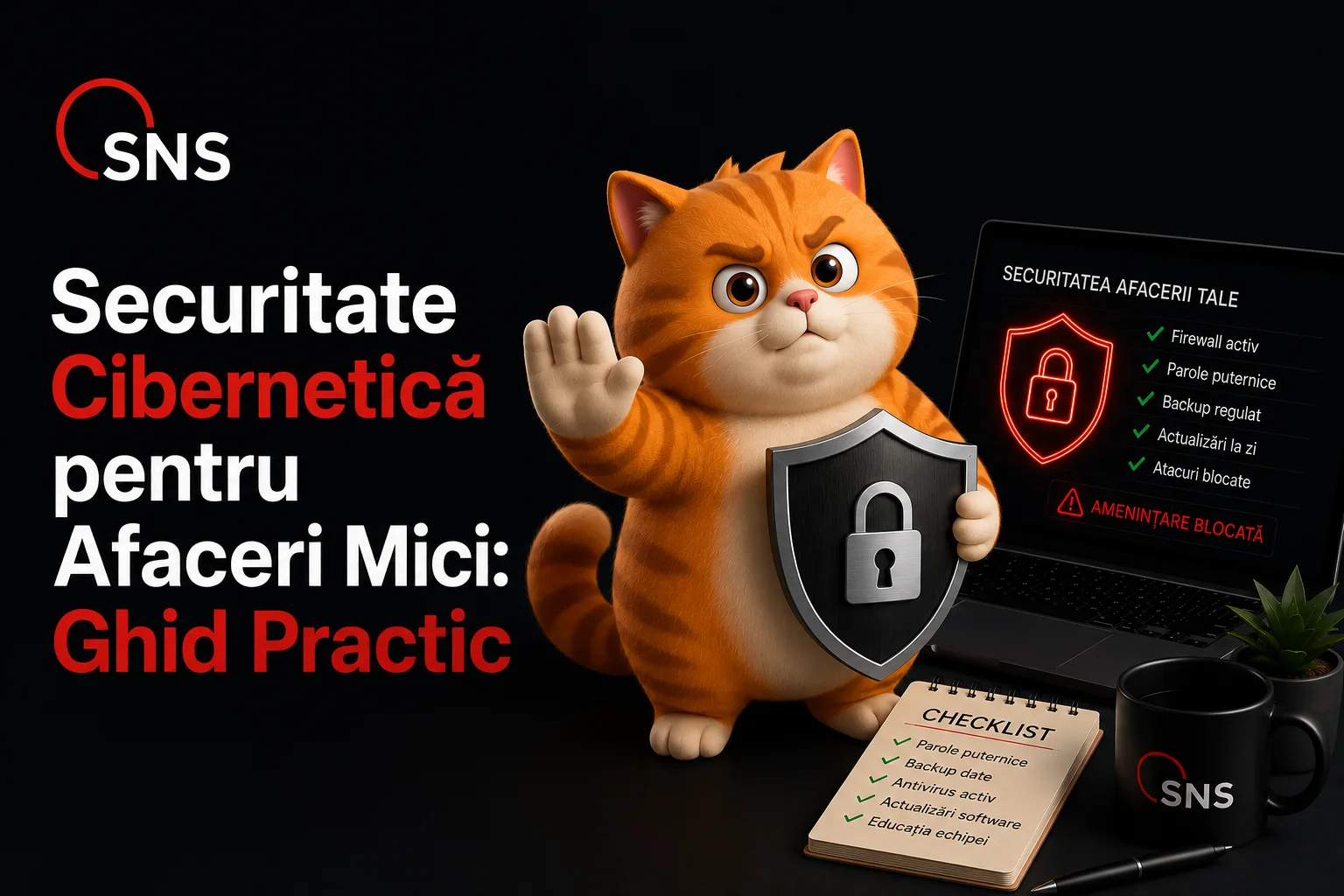
Small businesses are easy targets for hackers. Here are 5 simple cybersecurity measures you can put in place today, without being an IT expert.
Many entrepreneurs think hackers only go after banks and big companies. The reality is the opposite: small businesses are preferred targets, precisely because they have weak protection and think "nobody's going to bother with me." An attack can cost you your customers' data, money, and years of built-up reputation.
On top of that, many attacks aren't even targeted. Automated programs scan thousands of websites a day looking for a door left unlocked. If yours is unlocked, they walk in, no matter who you are. The good news is you don't need an IT department to defend against most of these threats. A few correct settings take you out of the "easy target" category.
This is the simplest and most powerful protection there is. Besides your password, the account also asks for a one-time code from your phone. That way, even if someone learns your password, they still can't log in.
An outdated website or program is like a door left unlocked. Hackers specifically look for these old holes - the ones a fix already exists for, that you just haven't installed.
If you lose your data, a recent backup saves your business. The rule professionals use is simple:
Most attacks don't break into systems, they trick people. An email that looks like it's from your bank or a supplier, but sends you to a fake site to steal your password. Teach your team one golden rule: don't click, and don't enter passwords starting from a link you got in an email. Go there directly by typing the address into your browser yourself.
The warning signs are almost always the same: you're asked to do something urgent ("your account will be locked in 24 hours"), the sender's address looks odd, or you're asked for information a legitimate company would never request by email. If you have even the slightest doubt, call the company directly on a number you already know, not the one in the email.
Your website needs that little padlock icon in the address bar (an SSL certificate). It means the data visitors send, like an order or a contact form, travels encrypted and can't be stolen along the way. Without it, Google marks your site as "not secure" and you lose customers on the spot.
The most common mistake: the same password for email, banking, your website, and social media. If a single password leaks anywhere, the attacker automatically tries it everywhere else. That way, one small breach costs you everything.
Not everyone in your company needs administrator rights. The more accounts that have full access, the more open doors an attacker can find. Give each person exactly what they need to do their job, nothing more.
Panic is the worst advisor. If you suspect a breach - a strange email sent in your name, fake orders, or you simply can't log into your account anymore - take a breath and work through the list below step by step.
The faster you act in the first few minutes, the more you limit the damage. An incident caught early is often resolved without major consequences.
The seven measures above cover most of the threats a small business faces. You don't need a huge budget, just a few correct settings and a bit of discipline across your team.
If you want us to make sure your website and your data are properly protected, without you having to wrestle with complicated settings, contact us. We'll check together where you're vulnerable and put in place whatever's missing. And through our maintenance service, we keep your website updated and secure, so you never have to worry about settings again.